
Stratégie
How to Turn a Podcast into Short Clips That Actually Get Views
Learn a practical, step-by-step process to turn a podcast into short clips for TikTok, Reels, and Shorts — including tools, editing tips, and a repurposing checklist.
 Equipe ViralCut PRO27 juil 20265 min de lecture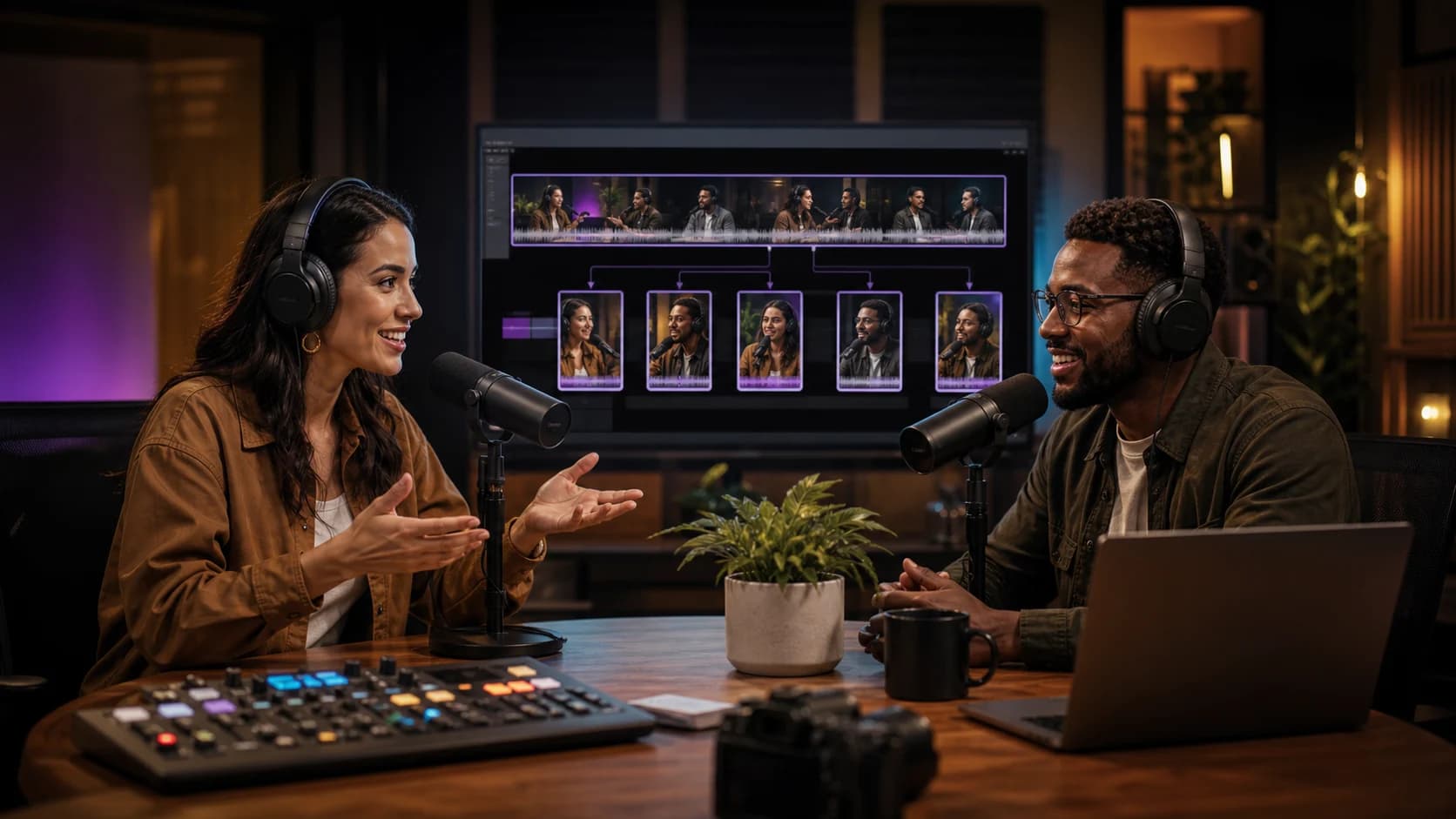
Introduction
If you host a podcast, you already know the hard part is over once you hit record — the real challenge is getting people to discover it. One of the most effective ways to grow an audience today is to turn a podcast into short clips that live natively on TikTok, Instagram Reels, YouTube Shorts, and LinkedIn. These platforms reward short, punchy, subtitled content, and repurposing your long-form audio or video into 30-90 second moments can bring in listeners who would never have found your show otherwise.
This guide walks through exactly how to turn a podcast into short clips, from finding the right moments to editing, captioning, and publishing — plus a checklist you can reuse for every episode.
Why You Should Turn a Podcast into Short Clips
Short clips aren't just a marketing gimmick — they solve a real distribution problem. Podcasts are discovered through search and recommendation, but audio alone doesn't travel well on social feeds. Video-first, sound-optional platforms need something visual and skimmable. Turning your podcast into short clips gives you:
- A steady stream of content without recording anything new
- Searchable, subtitled snippets that work even on mute
- A way to test which topics or guests resonate before investing in full promotion
- Multiple entry points into your podcast for new listeners
- Shareable moments that guests and fans can repost, extending reach organically
What Makes a Podcast Clip Worth Sharing
Not every segment of a podcast makes a good clip. Before you touch an editor, look for moments that stand alone without needing the full episode's context.
Look for These Clip-Worthy Moments
A good rule of thumb: if you had to explain the joke or the setup before someone would understand the clip, it's probably not ready to stand alone. The best short clips work in the first three seconds without any prior knowledge of the episode.
- A bold or controversial opinion stated in one or two sentences
- A concrete tip, framework, or number ("3 steps," "in 90 days," "$0 to $10k")
- An emotional story with a clear beginning and payoff
- A quotable one-liner your audience would screenshot
- A disagreement or debate between host and guest
- A myth being debunked or a common misconception corrected
Step-by-Step: How to Turn a Podcast into Short Clips
Here's a repeatable workflow you can apply to any episode, whether it's audio-only or recorded on video.
Step 1: Get a Transcript First
Before editing anything, transcribe the full episode. A transcript lets you scan for quotable lines and strong stories much faster than scrubbing through audio waveforms. Most AI transcription tools also timestamp each sentence, which makes it easy to jump straight to the moment you want.
Step 2: Mark 5-10 Potential Moments
Read through the transcript and flag every segment that could work as a standalone clip using the criteria above. Don't overthink it — mark more than you'll actually use, since some will look better than others once cut.
Step 3: Trim to the Tightest Possible Length
Cut each moment down to 30-90 seconds. Remove throat-clears, filler words, false starts, and any setup that isn't essential. If the point can be made in 40 seconds instead of 70, cut it — retention drops fast after the first few seconds if the pacing feels slow.
Step 4: Add Burned-In Subtitles
Roughly the majority of social video is watched with the sound off, so subtitles aren't optional. Use bold, high-contrast captions timed precisely to speech, and highlight key words to keep viewers reading and watching.
Step 5: Reframe for Vertical Format
If your podcast was recorded on video, reframe the shot to 9:16 and keep the speaker's face centered. For audio-only podcasts, use a static waveform, a simple background, or a talking-head B-roll if available — the goal is just to give viewers something to look at while they read captions.
Step 6: Write a Hook-Driven Caption and Title
The on-screen text in the first second (and the social caption) should tease the payoff without giving it away entirely. Questions, numbers, and contrarian statements tend to perform well as opening hooks.
Step 7: Publish Natively on Each Platform
Upload directly to TikTok, Reels, Shorts, and LinkedIn rather than sharing a link — native uploads get better distribution than links pointing off-platform.
Doing this manually for every episode is time-consuming, which is why many creators use a tool like ViralCut PRO to automatically detect strong moments, cut them, add synced subtitles, and export vertical clips ready for each platform — cutting the repurposing process from hours to minutes.
Manual Editing vs. AI-Assisted Clipping
Both approaches can produce great clips — the right choice depends on your time and volume of episodes.
- Manual editing: full creative control over every cut and caption style, but slow — often 2-4 hours per episode for a handful of clips
- AI-assisted clipping: identifies likely highlight moments and generates subtitled vertical clips automatically, cutting production time dramatically, with a quick manual review pass to pick the best ones
- Hybrid approach: let AI surface candidate moments and rough cuts, then manually polish the top 3-5 clips before publishing
Quick Checklist Before You Publish a Clip
- Does the clip make sense without any context from the full episode?
- Is there a hook in the first 2-3 seconds?
- Are subtitles accurate, synced, and easy to read?
- Is the video framed correctly for vertical viewing?
- Does the caption/title create curiosity without spoiling the payoff?
- Is the clip under 90 seconds unless the story genuinely needs more time?
Common Mistakes to Avoid
Many creators post the first clip they cut instead of the best one — always compare a few options against the checklist above. Another common issue is over-explaining the setup, which delays the hook and kills retention. Finally, inconsistent posting is a silent killer: repurposing one episode into 5-10 clips and spreading them across the week tends to outperform dumping everything at once.
Conclusion
Learning how to turn a podcast into short clips is one of the highest-leverage skills a podcaster can develop — it turns hours of recorded conversation into dozens of discoverable, shareable moments without any extra recording time. Start with a transcript, find the moments that stand on their own, trim aggressively, subtitle everything, and publish natively on each platform. If you want to speed up the process, ViralCut PRO can handle the highlight detection, cutting, and subtitling automatically so you can focus on choosing and publishing the best clips.
Questions fréquentes
What is the ideal length for a podcast clip on social media?
Most short clips perform best between 30 and 90 seconds. TikTok and Reels favor tight, fast-paced content, while LinkedIn can tolerate slightly longer clips (up to 2 minutes) if the story justifies it.
Do I need video to turn a podcast into short clips, or can I use audio only?
Video helps engagement, but audio-only podcasts can still be turned into clips using a static image, waveform animation, or simple background paired with burned-in subtitles.
How many clips should I make from one podcast episode?
A typical hour-long episode can usually yield 5 to 10 solid clips. Spread them out over the week instead of posting them all at once to maintain a consistent content cadence.
What's the fastest way to turn a podcast into short clips?
Using an AI-powered tool like ViralCut PRO speeds up the process significantly by automatically detecting highlight-worthy moments, cutting them, and adding synced subtitles, reducing hours of manual editing to minutes.
Should clips have captions even if the podcast has good audio quality?
Yes. A large share of viewers watch social videos with the sound off, so burned-in subtitles are essential regardless of audio quality — they directly impact watch time and retention.
Essayez sur votre contenu
Importez une vidéo. ViralCut PRO trouve les meilleurs clips.
Analyse, hooks, sous-titres, recadrage et exports prêts à publier en quelques minutes.
Créer mes clips gratuitementÀ lire ensuite
 Podcast
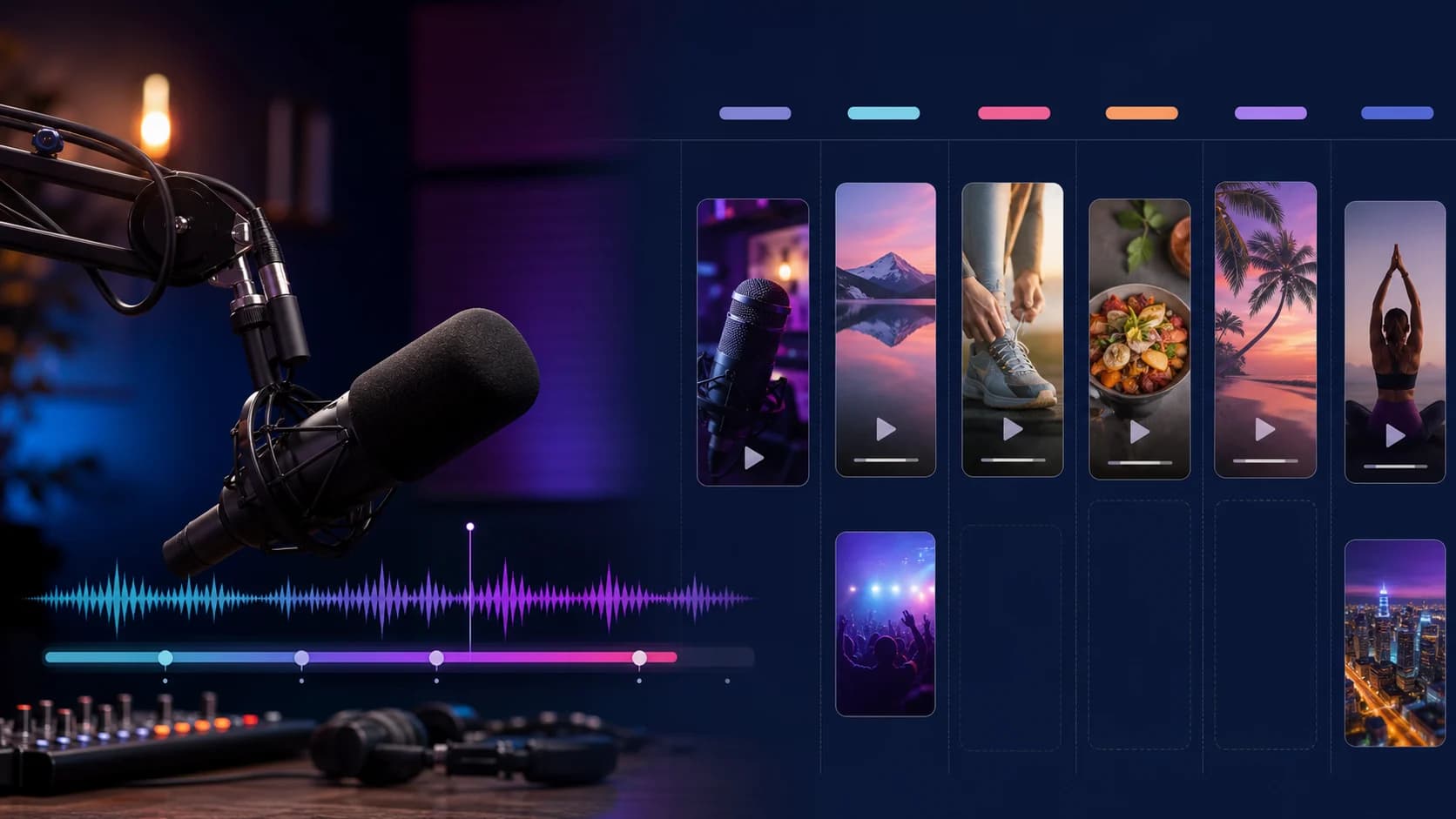
Transformer chaque podcast en une semaine de contenu
Planifiez et creez un calendrier de publication complet a partir d'un seul episode.
 TikTok & Reels
12 accroches qui retiennent l'attention dès les trois premières secondes
Exemples concrets et formules qui captivent des l'instant zero sans tomber dans le sensationnalisme.
Guide completComment transformer une vidéo longue en 10 clips courts performants
Methode complete pour identifier les meilleurs moments, creer des accroches puissantes et optimiser chaque clip pour TikTok, Reels et YouTube Shorts.
Newsletter ViralCut