
Repurposing vidéo
How to Turn a Long Video into Short Clips That Actually Get Views
Learn the exact process to turn a long video into short clips for TikTok, Reels, and Shorts—from finding the best moments to adding subtitles that boost watch time.
 Equipe ViralCut PRO24 juil 20265 min de lecture
Introduction
If you've ever recorded a podcast, webinar, or YouTube video and wondered what to do with all that footage, the answer is simple: turn a long video into short clips. Repurposing long-form content into 30-90 second vertical clips is one of the fastest ways to grow an audience on TikTok, Instagram Reels, YouTube Shorts, and LinkedIn without filming anything new. This guide walks you through exactly how to do it, step by step, including what to look for, how to edit, and common mistakes to avoid.
Why You Should Turn a Long Video into Short Clips
Attention spans on social platforms are short, but the appetite for content is huge. Instead of hoping people watch a 45-minute podcast episode, you can extract the 5-10 most compelling moments and turn each one into its own short video. This approach multiplies your content output, reaches viewers who prefer scrolling feeds over long-form platforms, and drives traffic back to the full episode.
- One long video can produce 5-15 short clips, multiplying your content calendar without extra filming.
- Short clips are more likely to be discovered by new audiences through algorithmic feeds.
- Clips act as trailers that push curious viewers to watch the full-length version.
- Repurposing is far cheaper and faster than producing new content from scratch.
What Makes a Clip Worth Cutting
Not every minute of a long video deserves to become a short clip. Before you start cutting, learn to identify moments that will hook viewers in the first two seconds and hold their attention until the end.
Look for These Moments
If a segment doesn't have a hook, a payoff, or an emotional beat, it's probably not strong enough to stand alone as a short clip, even if it's important in the context of the full video.
- A strong opinion, hot take, or controversial statement.
- A concrete story with a clear beginning, tension, and resolution.
- A surprising statistic or little-known fact.
- A moment of genuine emotion—laughter, frustration, excitement.
- A practical tip or step-by-step advice the viewer can apply immediately.
Step-by-Step: How to Turn a Long Video into Short Clips
Here is the exact workflow to go from a raw long-form recording to a batch of publish-ready short clips.
Step 1: Watch or Transcribe the Full Video
Skim through the recording (or read an auto-generated transcript) and note timestamps where something interesting happens. Transcripts make this step much faster because you can scan text instead of scrubbing through video.
Step 2: Shortlist 10-15 Candidate Moments
Mark more moments than you think you'll need. Some will look weaker once isolated from context, so having extra options protects you from ending up with too few usable clips.
Step 3: Trim Each Segment to 30-90 Seconds
Cut tightly. Remove dead air, filler words, and slow intros. The first line of the clip should work as a hook on its own, without needing the rest of the original video for context.
Step 4: Reframe for Vertical Format
Most long videos are recorded in landscape (16:9), but TikTok, Reels, and Shorts need vertical or square framing (9:16). Reframe the shot so the speaker's face stays centered, especially during multi-camera podcasts.
Step 5: Add Subtitles
A large share of viewers watch with the sound off, especially on mobile. Burned-in captions are essential, not optional, if you want people to actually consume the content instead of scrolling past it.
Step 6: Add a Text Hook and Export
Overlay a short text hook in the first two seconds (e.g., the core promise of the clip) to stop the scroll. Export in high resolution and check captions are correctly synced before publishing.
Doing this manually for every clip is time-consuming, which is why tools like ViralCut PRO exist—they automatically detect strong moments in long recordings, reframe them vertically, and generate synced subtitles, cutting the whole process down to minutes instead of hours.
Manual Editing vs. AI-Assisted Clipping: A Quick Comparison
- Manual editing in Premiere/CapCut: full creative control, but slow—often 1-2 hours per clip when you include transcribing, cutting, reframing, and captioning.
- AI-assisted tools (like ViralCut PRO): automatically find highlight moments, reframe to vertical, and add subtitles in minutes, with manual fine-tuning still possible afterward.
- Freelance editor: good quality and hands-off for you, but recurring cost per video and turnaround time to consider.
- Doing nothing: your long-form content stays locked in one format and misses short-video discovery entirely.
Common Mistakes When Turning a Long Video into Short Clips
- Cutting clips that require prior context to make sense—each clip should stand alone.
- Ignoring captions, which drastically lowers watch time on sound-off platforms.
- Keeping landscape framing instead of reframing for vertical feeds.
- Publishing clips without a hook in the first two seconds.
- Posting only one clip per long video instead of extracting a full batch.
A Quick Pre-Publish Checklist
- Does the clip have a hook in the first 2 seconds?
- Is it trimmed to 30-90 seconds with no dead air?
- Is it reframed for vertical viewing?
- Are subtitles accurate and readable?
- Does it make sense without watching the full original video?
- Is there a caption or call-to-action pointing back to the full episode?
Conclusion
Learning to turn a long video into short clips is one of the highest-leverage skills for any creator, podcaster, or business sitting on hours of recorded content. By identifying strong moments, trimming tightly, reframing for vertical feeds, and adding subtitles, you can turn a single recording into a week's worth of social content. If you want to speed up this process, ViralCut PRO can help you go from raw footage to subtitled, publish-ready clips in a fraction of the time it takes to edit manually.
Questions fréquentes
What is the best length for short clips cut from a long video?
Most platforms reward clips between 30 and 90 seconds. Shorter clips (under 60 seconds) tend to get replayed more, which can boost completion rate and reach.
Do I need special software to turn a long video into short clips?
You can use general editors like Premiere or CapCut, but AI-assisted tools such as ViralCut PRO speed things up by automatically detecting highlight moments, reframing to vertical, and generating subtitles.
How many short clips can I get from one long video?
It depends on content density, but a 45-60 minute podcast or webinar typically yields 5 to 15 usable short clips once you identify the strongest moments.
Why are subtitles important when creating short clips?
A large portion of social media viewers watch with sound off, so burned-in subtitles are essential to keep people engaged and understanding the content without audio.
Should short clips be identical to the original video's framing?
No. Long videos are usually landscape (16:9), but short-form platforms perform best with vertical or square framing (9:16), so reframing is a necessary step, not optional.
Essayez sur votre contenu
Importez une vidéo. ViralCut PRO trouve les meilleurs clips.
Analyse, hooks, sous-titres, recadrage et exports prêts à publier en quelques minutes.
Créer mes clips gratuitementÀ lire ensuite
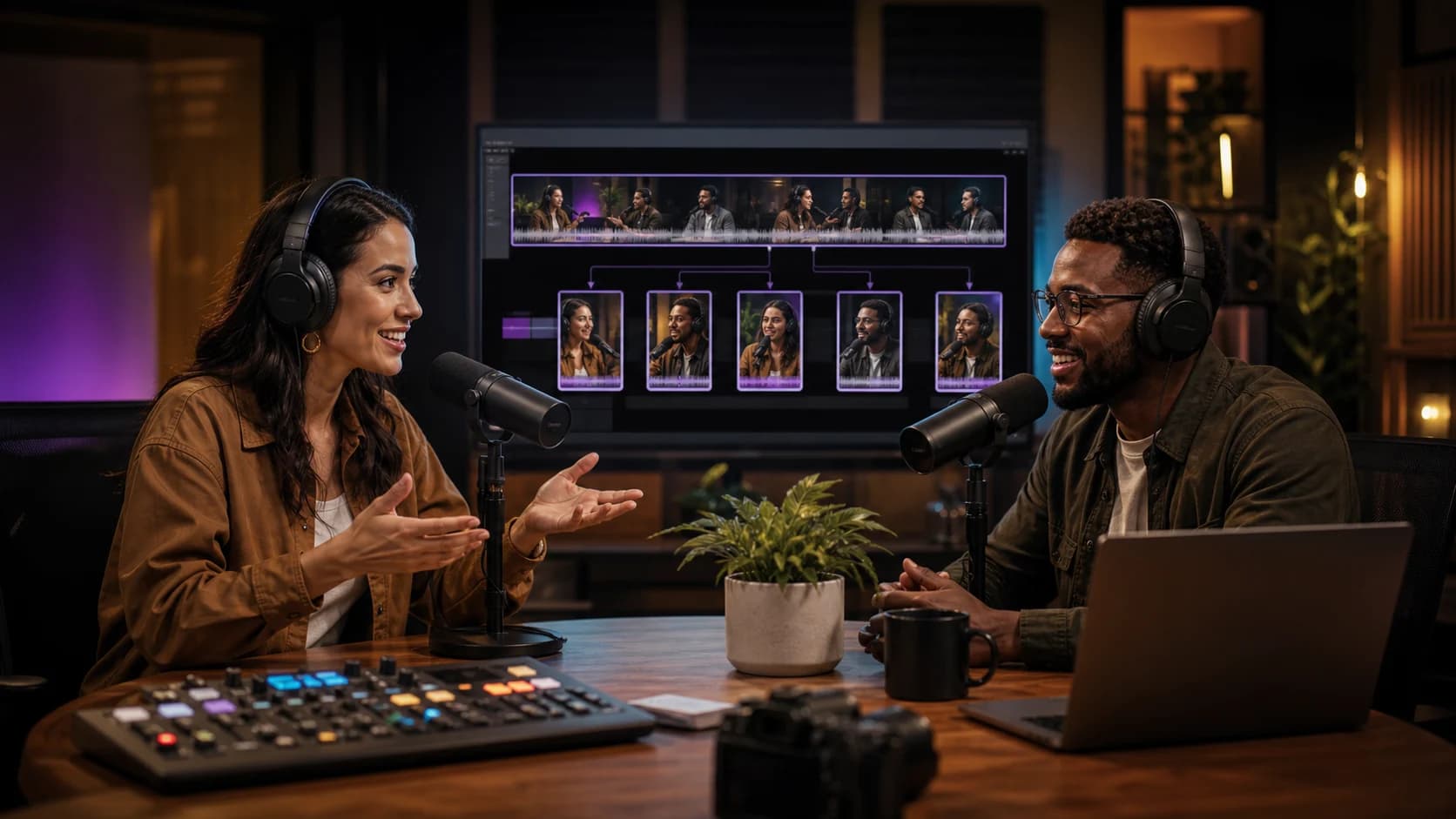 Guide complet
Comment transformer une vidéo longue en 10 clips courts performants
Methode complete pour identifier les meilleurs moments, creer des accroches puissantes et optimiser chaque clip pour TikTok, Reels et YouTube Shorts.
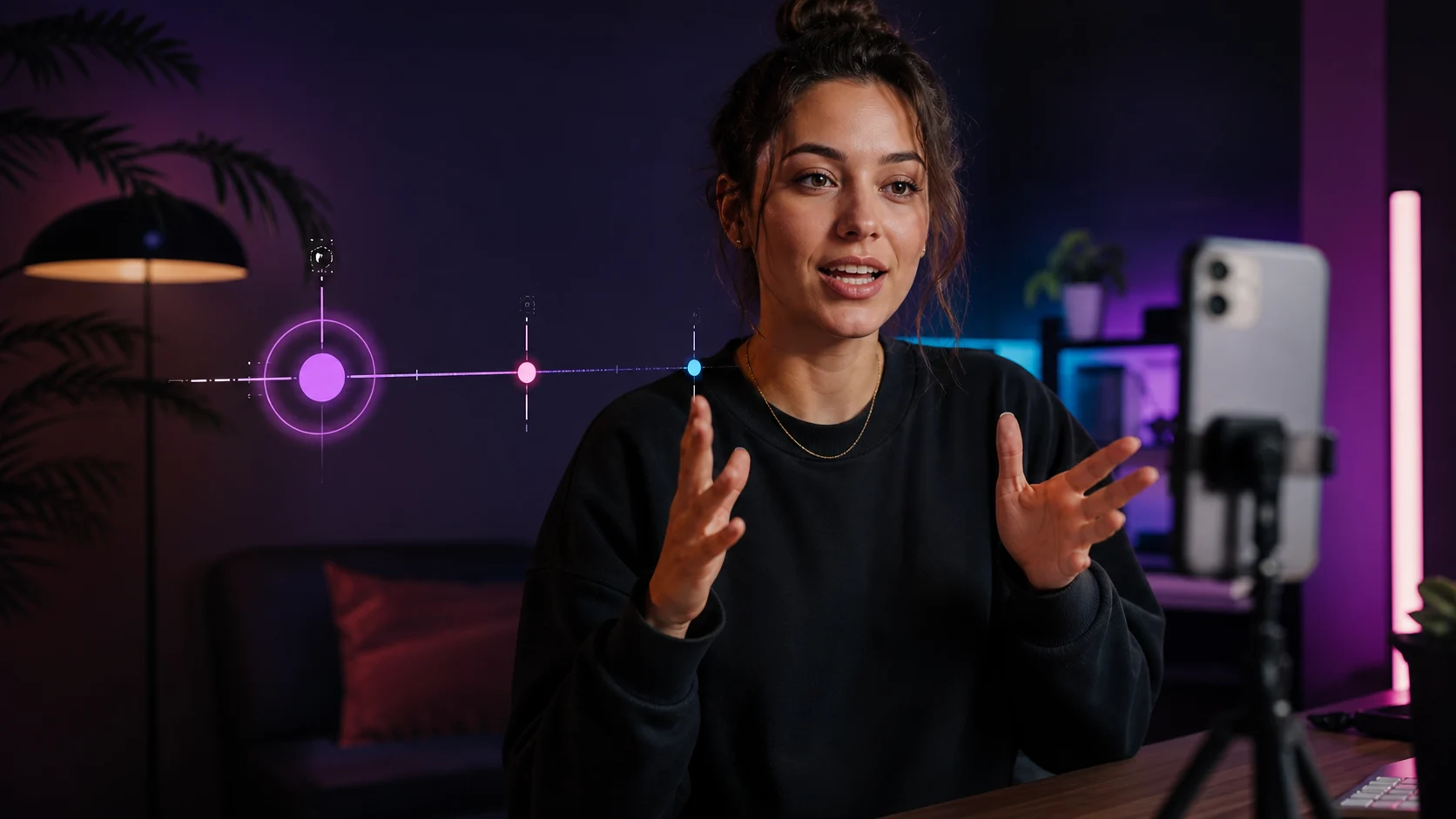 TikTok & Reels
12 accroches qui retiennent l'attention dès les trois premières secondes
Exemples concrets et formules qui captivent des l'instant zero sans tomber dans le sensationnalisme.
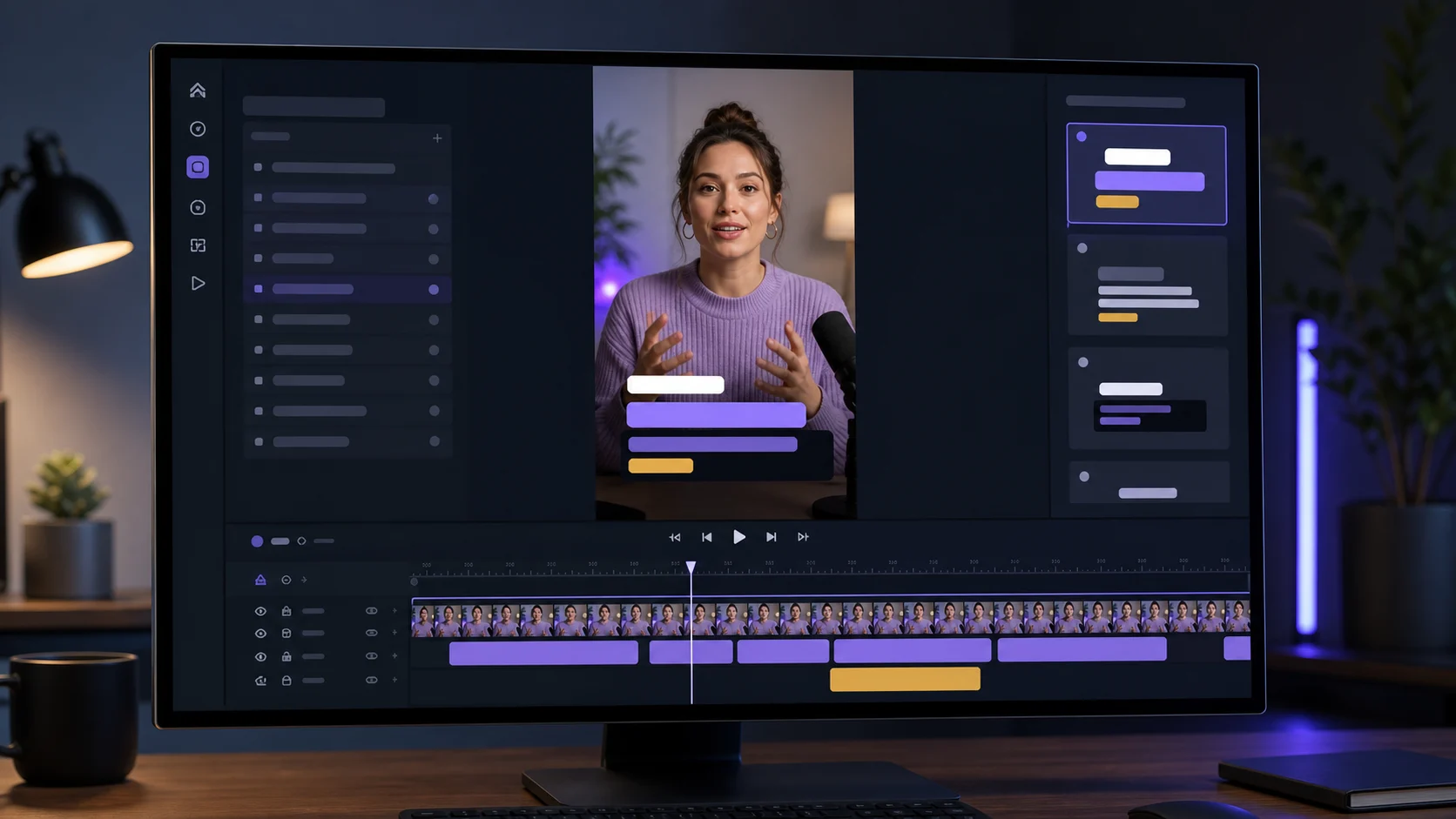 Sous-titres
Créer des sous-titres dynamiques sans surcharger la vidéo
Design, lisibilite et rythme : les bonnes pratiques pour des sous-titres qui engagent sans prendre toute la place.
Newsletter ViralCut