
Repurposing vidéo
AI Video Repurposing Tool: The Complete Guide to Turning Long Videos Into Viral Clips
Discover how an AI video repurposing tool can transform podcasts, webinars, and YouTube videos into scroll-stopping short clips for TikTok, Reels, and Shorts — without hours of manual editing.
 Equipe ViralCut PRO25 juil 20266 min de lecture
Introduction
If you publish long-form video — a podcast, a webinar, a YouTube tutorial, or a livestream — you already know the real challenge isn't creating content, it's getting it seen. That's exactly where an AI video repurposing tool comes in. Instead of spending hours manually scrubbing through footage to find the best moments, cutting clips, adding subtitles, and reformatting for every platform, an AI-powered workflow does most of that heavy lifting in minutes. In this guide, you'll learn what an AI video repurposing tool actually does, how to choose one, a step-by-step workflow you can start using today, and practical tips to make your repurposed clips actually perform.
What Is an AI Video Repurposing Tool?
An AI video repurposing tool is software that automatically analyzes a long video — such as a podcast episode, webinar recording, or interview — and identifies the most engaging, quotable, or emotionally charged moments. It then cuts those moments into short, vertical or square clips optimized for TikTok, Instagram Reels, YouTube Shorts, and LinkedIn. Most modern tools go beyond simple cutting: they auto-generate burned-in subtitles, reframe the shot to follow speakers (auto-reframe/auto-crop), suggest titles and hooks, and sometimes even score clips by predicted virality.
The core value proposition is time savings combined with consistency. A single one-hour podcast episode can realistically produce 8–15 short clips when repurposed properly, giving creators and brands a steady content pipeline without filming anything new.
Why Video Repurposing With AI Matters for Creators and Brands
Short-form video is currently the highest-reach content format across nearly every major platform. But manually editing dozens of clips from a single long recording is slow, repetitive, and easy to burn out on. Here's why AI-driven repurposing has become essential rather than optional:
- Speed: What used to take 4-6 hours of manual editing can be reduced to 15-30 minutes of review and export.
- Consistency: AI tools apply the same subtitle style, branding, and framing across every clip, keeping your channel visually cohesive.
- Discoverability: Auto-generated captions improve accessibility and watch time, both of which platforms reward with more reach.
- Content multiplication: One long-form asset becomes dozens of short-form touchpoints across multiple platforms.
- Lower barrier to entry: Solo creators and small teams can produce clip volume that used to require a full editing team.
Key Features to Look for in an AI Video Repurposing Tool
Not all repurposing tools are built the same. When evaluating options, prioritize these capabilities:
1. Accurate Automatic Transcription and Subtitles
Subtitles are non-negotiable for short-form video since most viewers watch with sound off. Look for a tool with high transcription accuracy across your target languages, customizable subtitle styles (font, color, animation), and the ability to manually correct errors before exporting.
2. Smart Clip Detection
The best AI video repurposing tools don't just chop the video every 60 seconds. They analyze pacing, pauses, tone shifts, and keyword density to surface segments that are likely to hook a viewer within the first three seconds — the make-or-break window for short-form retention.
3. Auto-Reframe for Vertical and Square Formats
A good tool should automatically detect and track speakers so the crop follows the action, rather than leaving them awkwardly cropped out of frame in a 9:16 export.
4. Multi-Platform Export Presets
Since TikTok, Reels, Shorts, and LinkedIn each have slightly different optimal aspect ratios and durations, batch-exporting presets save significant time.
5. Branding and Template Controls
Custom watermarks, intro/outro templates, and consistent caption styling help maintain brand recognition across every clip you publish.
Step-by-Step: How to Repurpose a Long Video Into Short Clips Using AI
Here's a practical workflow you can apply to any podcast, webinar, or YouTube video:
Step 1: Upload Your Long-Form Video
Upload the raw recording — ideally with clean audio — into your AI video repurposing tool. Most platforms, including ViralCut PRO, support direct uploads or links from YouTube, Zoom, or cloud storage.
Step 2: Let the AI Transcribe and Analyze the Content
The tool generates a full transcript and scans it for high-engagement segments — strong hooks, surprising statements, emotional peaks, or standalone stories that make sense without context.
Step 3: Review Suggested Clips
Scan the AI-suggested clip list. Keep the ones with a clear hook in the first three seconds and a self-contained point or story. Discard clips that rely too heavily on earlier context.
Step 4: Edit Subtitles and Framing
Correct any transcription errors, adjust caption styling to match your brand, and confirm the auto-reframe is tracking speakers correctly.
Step 5: Add a Hook Title and Export
Add an on-screen title or overlay text for the first few seconds — this is often the difference between a scroll-past and a watch-through. Export in the correct aspect ratio for each destination platform.
Step 6: Schedule and Publish Across Platforms
Stagger publishing across TikTok, Reels, Shorts, and LinkedIn rather than posting everything simultaneously, so you can gauge which platform each clip performs best on.
Manual Editing vs. AI Video Repurposing Tool: A Quick Comparison
- Time per clip: Manual editing averages 20-40 minutes per clip; AI tools average 2-5 minutes of review time per clip.
- Subtitle accuracy: Manual captioning is precise but slow; AI transcription is fast with occasional errors needing quick review.
- Scalability: Manual editing caps out quickly with team bandwidth; AI tools scale to dozens of clips from a single upload.
- Cost: Hiring an editor per video is recurring and expensive; an AI tool subscription is typically fixed and predictable.
- Consistency: Manual editing style can vary by editor; AI templates keep branding uniform across every clip.
Practical Tips to Get More Views From Repurposed Clips
- Choose clips that make sense without watching the full original video — context-independence drives shareability.
- Keep the strongest sentence or claim in the first 3 seconds, not buried in the middle.
- Use large, high-contrast subtitles since most viewing happens with sound off.
- Test the same clip with two or three different hook titles across platforms to see what resonates.
- Post consistently rather than all at once — a steady drip keeps your channel active in the algorithm.
A Quick Pre-Publish Checklist
- Does the clip have a clear hook in the first 3 seconds?
- Are subtitles accurate and readable on mobile screens?
- Is the framing correctly following the speaker in vertical format?
- Does the clip make sense without additional context?
- Is the export ratio correct for the target platform (9:16, 1:1, etc.)?
Final Thoughts on Choosing an AI Video Repurposing Tool
An AI video repurposing tool doesn't replace editorial judgment — it removes the repetitive, time-consuming parts of the process so you can focus on choosing the best moments and crafting strong hooks. Whether you're a solo podcaster, a webinar host, or a brand publishing weekly interviews, repurposing your long-form content into short clips is one of the highest-leverage ways to grow reach without creating new footage. If you want to try this workflow without juggling multiple apps for transcription, subtitles, and reframing, ViralCut PRO handles the entire pipeline in one place — from upload to publish-ready short clips.
Questions fréquentes
What is the best AI video repurposing tool for beginners?
The best tool for beginners is one that combines automatic transcription, subtitle generation, and auto-reframe in a single workflow so you don't need separate apps. Look for a free trial to test clip quality on your own footage before committing.
Can AI video repurposing tools work with any language?
Most modern AI video repurposing tools support multiple languages for transcription and subtitles, though accuracy can vary. It's best to check supported languages and test with a short sample before repurposing a full library.
How many clips can I get from a one-hour podcast using AI?
On average, a one-hour podcast or webinar can yield 8 to 15 usable short clips, depending on how much of the conversation contains self-contained, hook-worthy moments.
Is an AI video repurposing tool better than hiring a video editor?
They serve different needs. An AI tool is faster and more cost-predictable for high-volume short-form clipping, while a human editor may add more nuanced storytelling. Many creators use AI tools for volume and reserve editors for flagship videos.
Do AI-generated subtitles need manual review?
Yes. While AI transcription accuracy has improved significantly, it's still good practice to quickly review captions for names, technical terms, or industry jargon before publishing.
Essayez sur votre contenu
Importez une vidéo. ViralCut PRO trouve les meilleurs clips.
Analyse, hooks, sous-titres, recadrage et exports prêts à publier en quelques minutes.
Créer mes clips gratuitementÀ lire ensuite
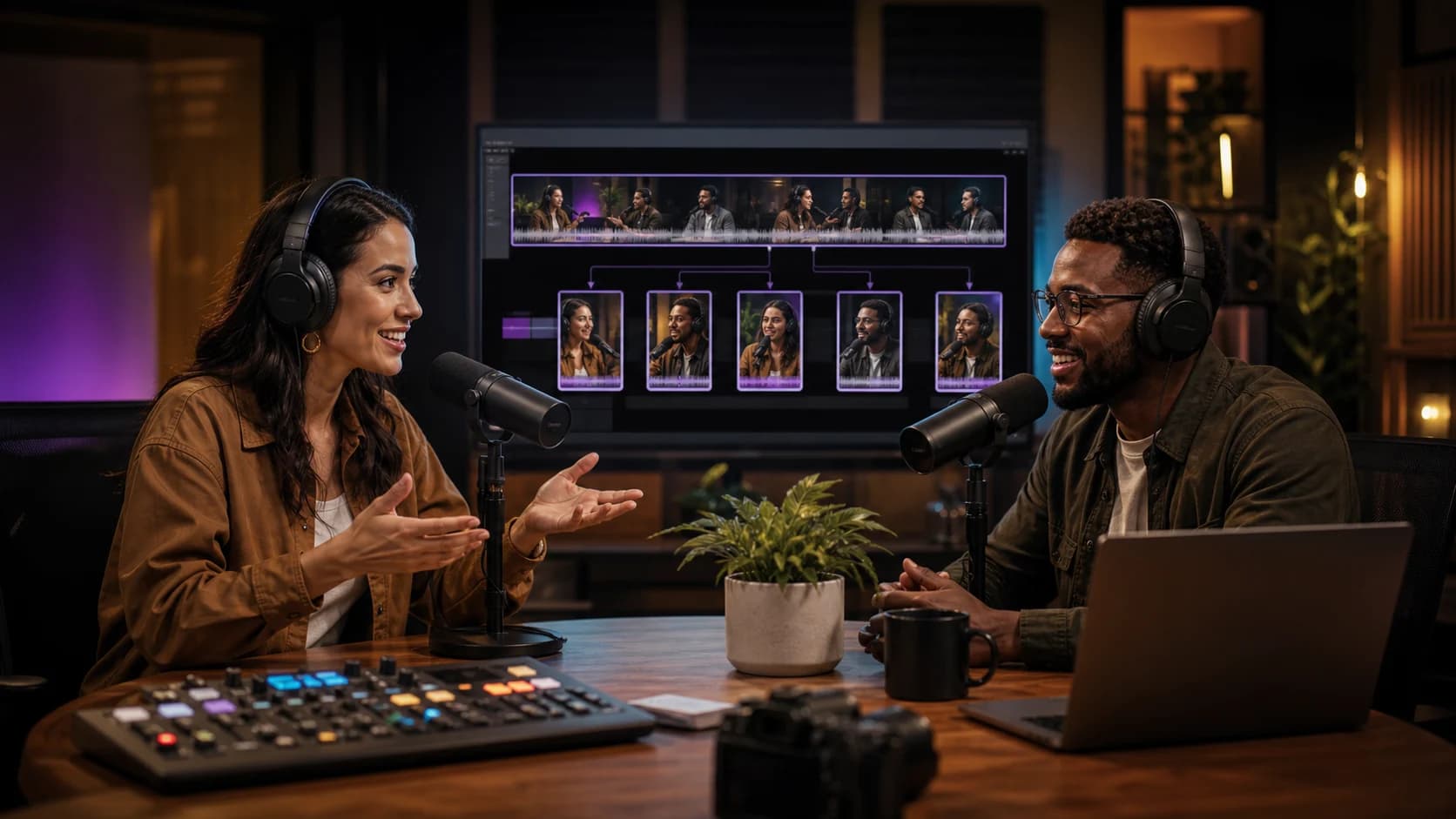 Guide complet
Comment transformer une vidéo longue en 10 clips courts performants
Methode complete pour identifier les meilleurs moments, creer des accroches puissantes et optimiser chaque clip pour TikTok, Reels et YouTube Shorts.
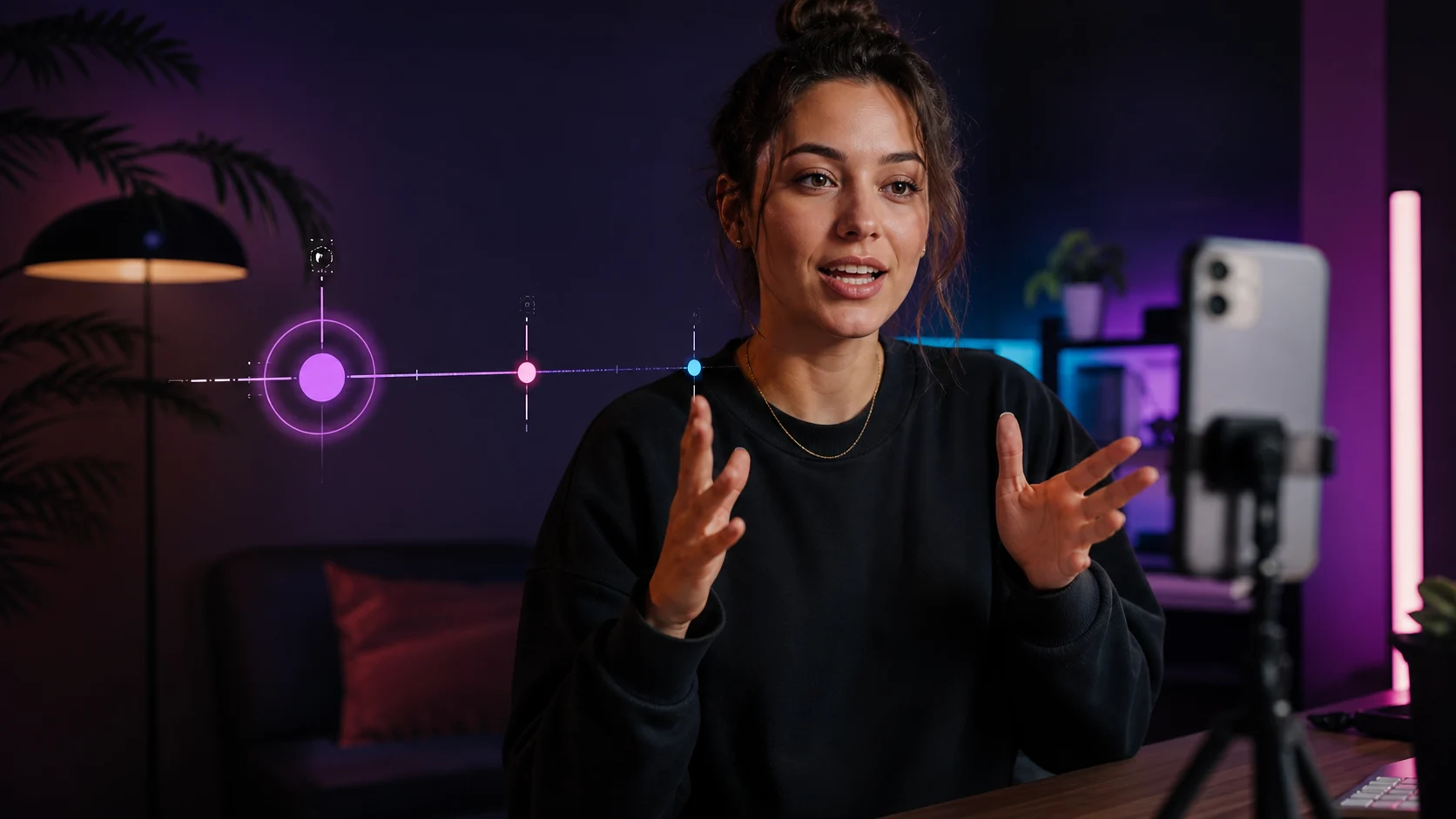 TikTok & Reels
12 accroches qui retiennent l'attention dès les trois premières secondes
Exemples concrets et formules qui captivent des l'instant zero sans tomber dans le sensationnalisme.
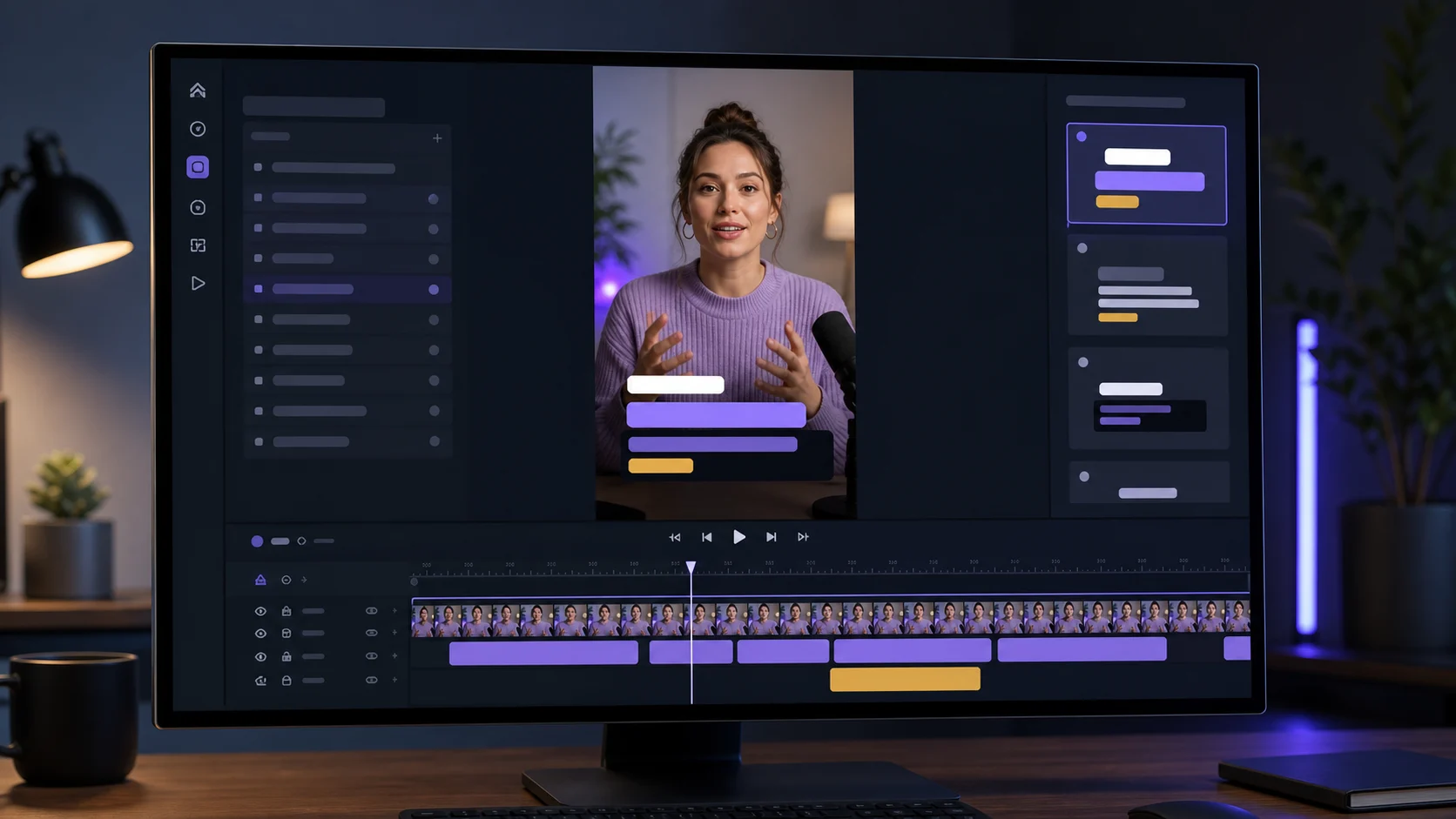 Sous-titres
Créer des sous-titres dynamiques sans surcharger la vidéo
Design, lisibilite et rythme : les bonnes pratiques pour des sous-titres qui engagent sans prendre toute la place.
Newsletter ViralCut